The Story
( Raw, Beadblast & Stonewash Finish Variants )
519A Nichia - 4000K Color
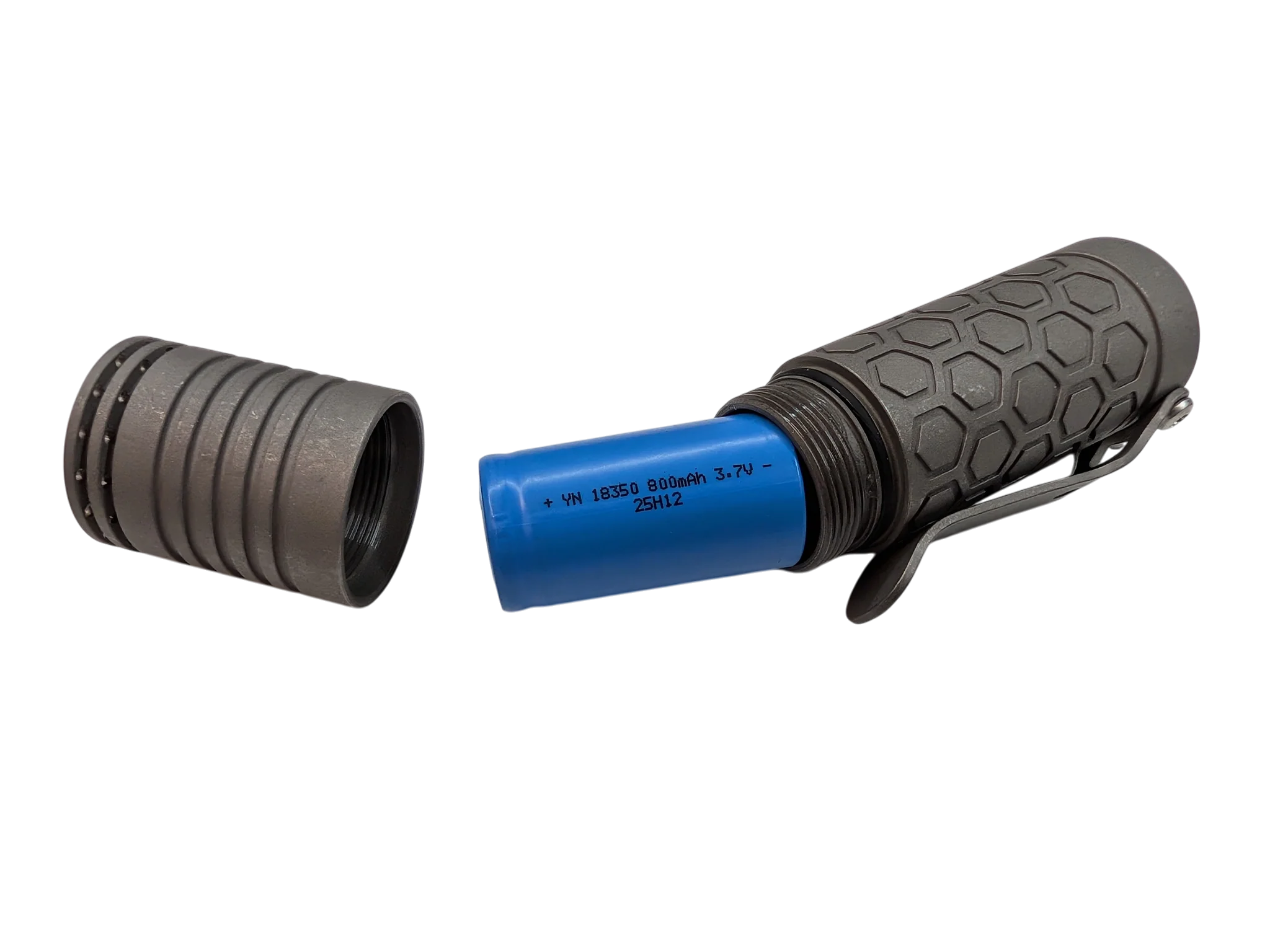
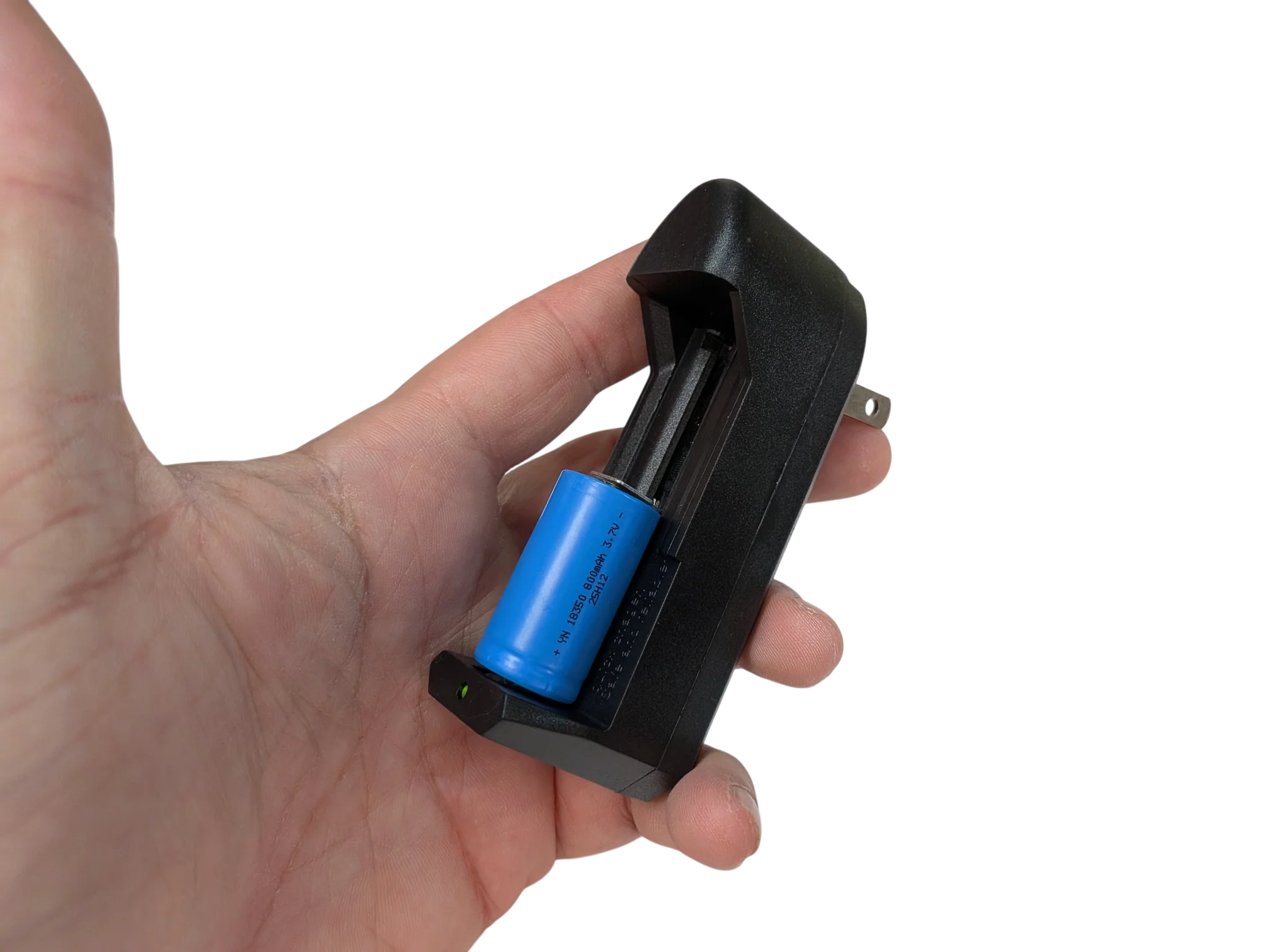
Includes A 18350 Lithium Battery & 1A Quick Charger Too!
The Reylight Triple-LED Custom Flashlight
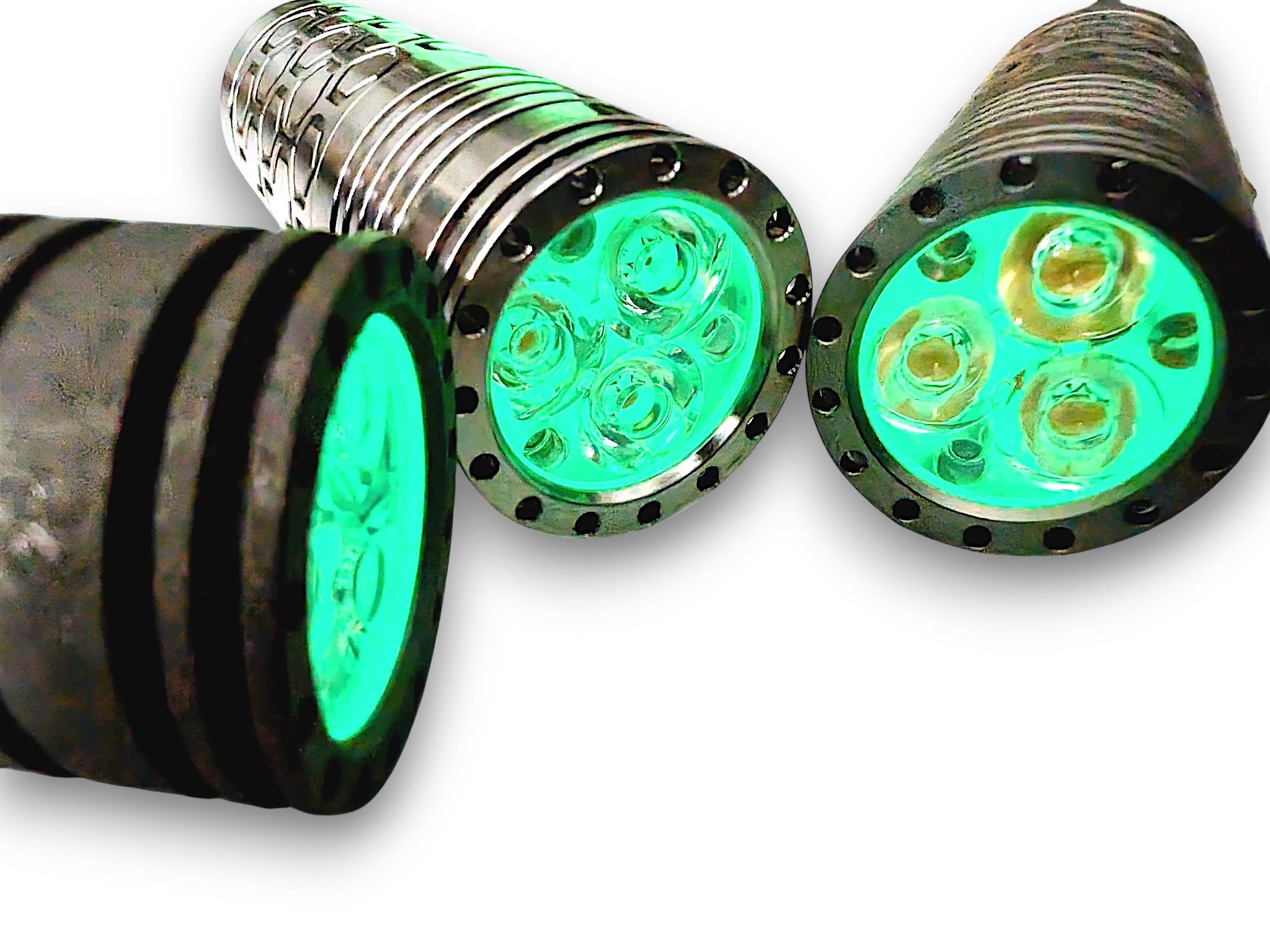
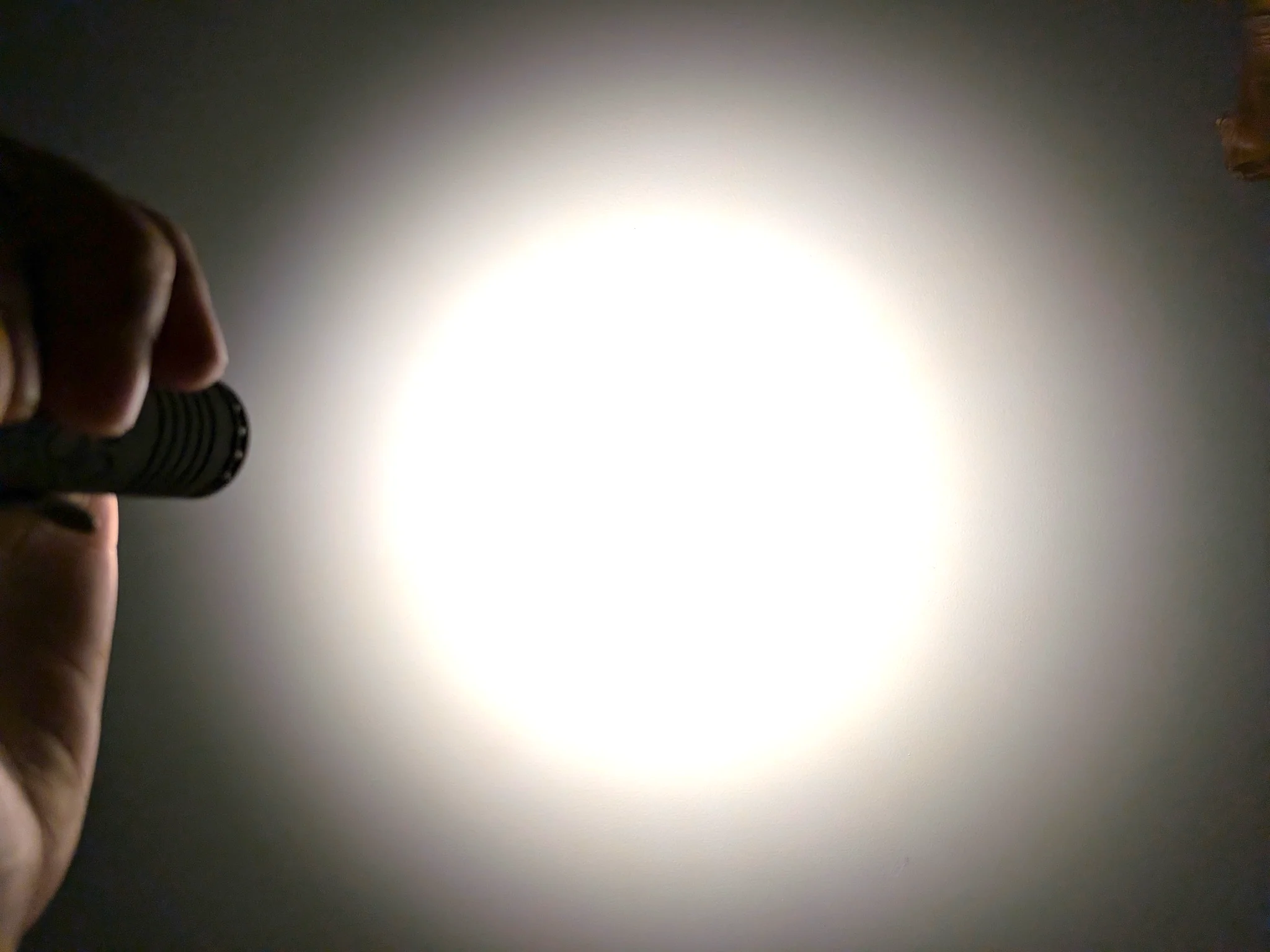
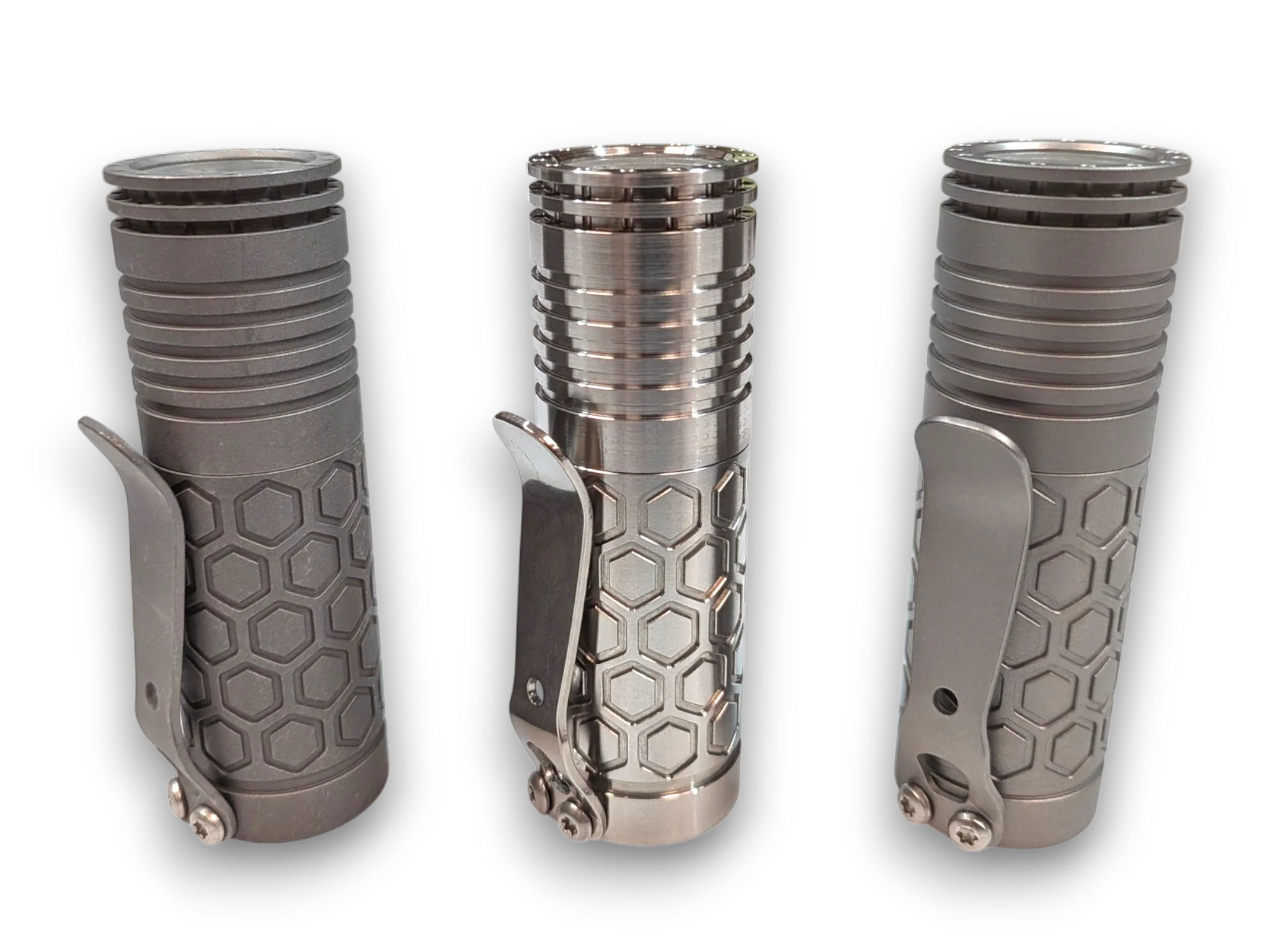
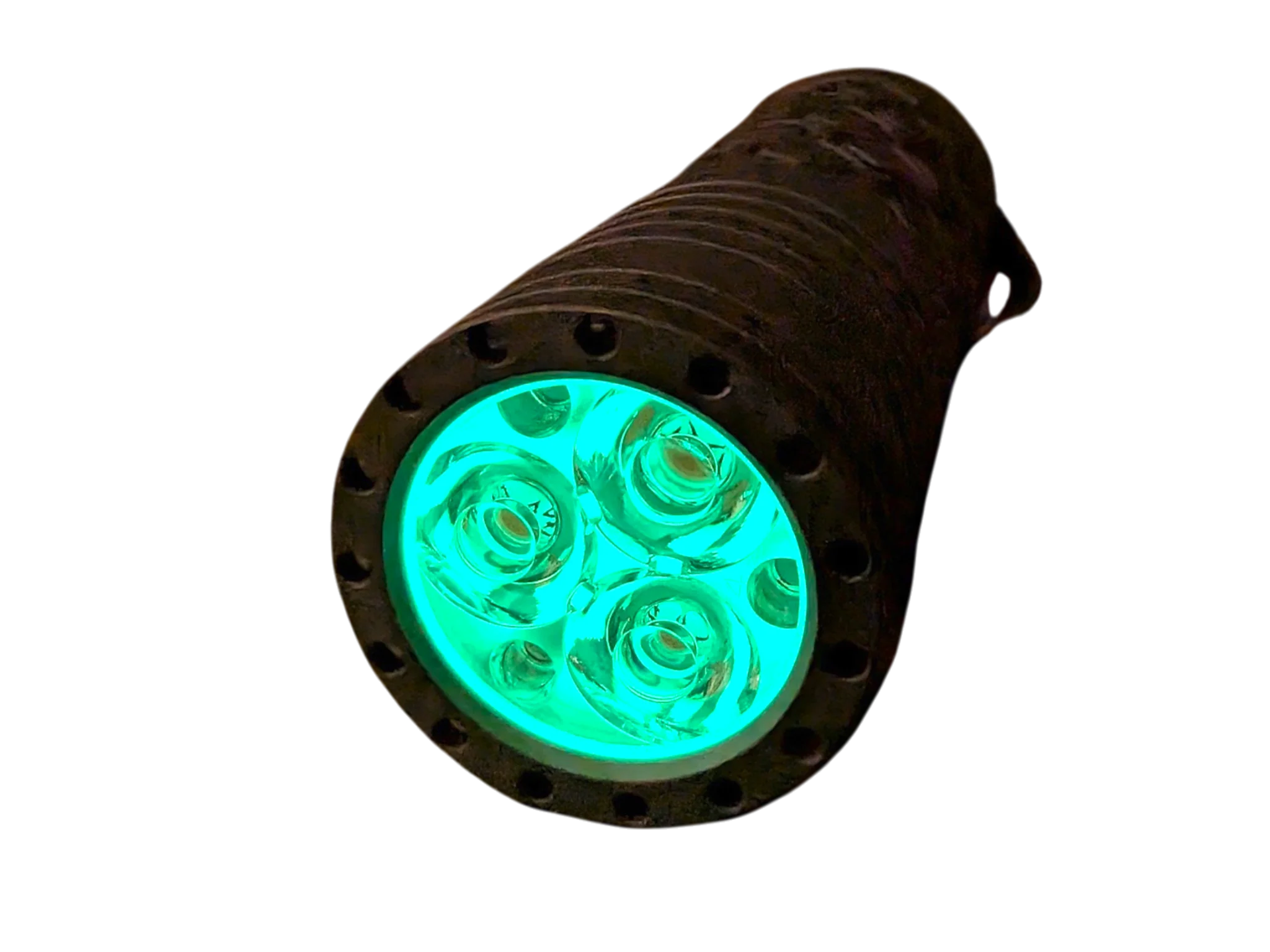
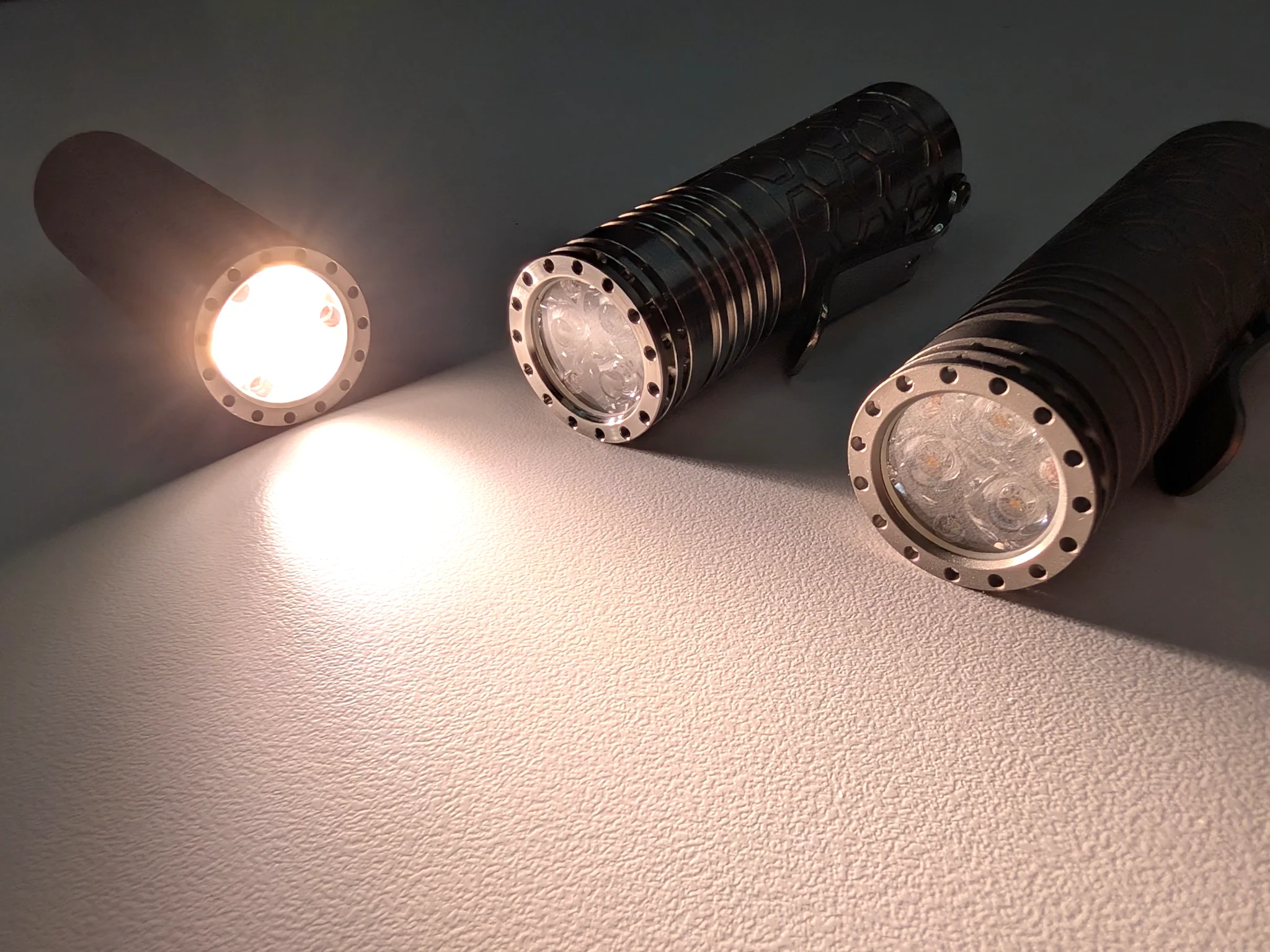
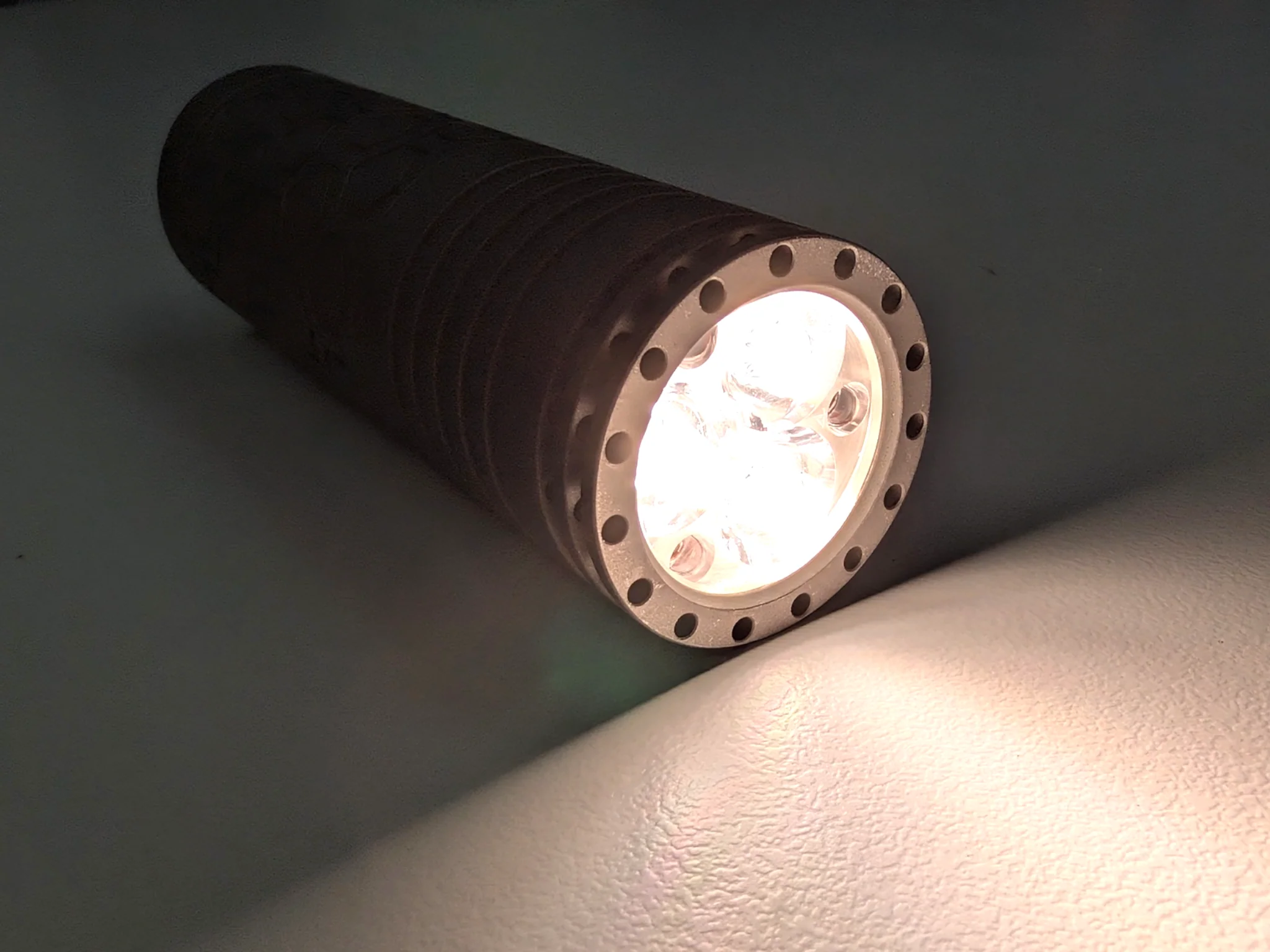
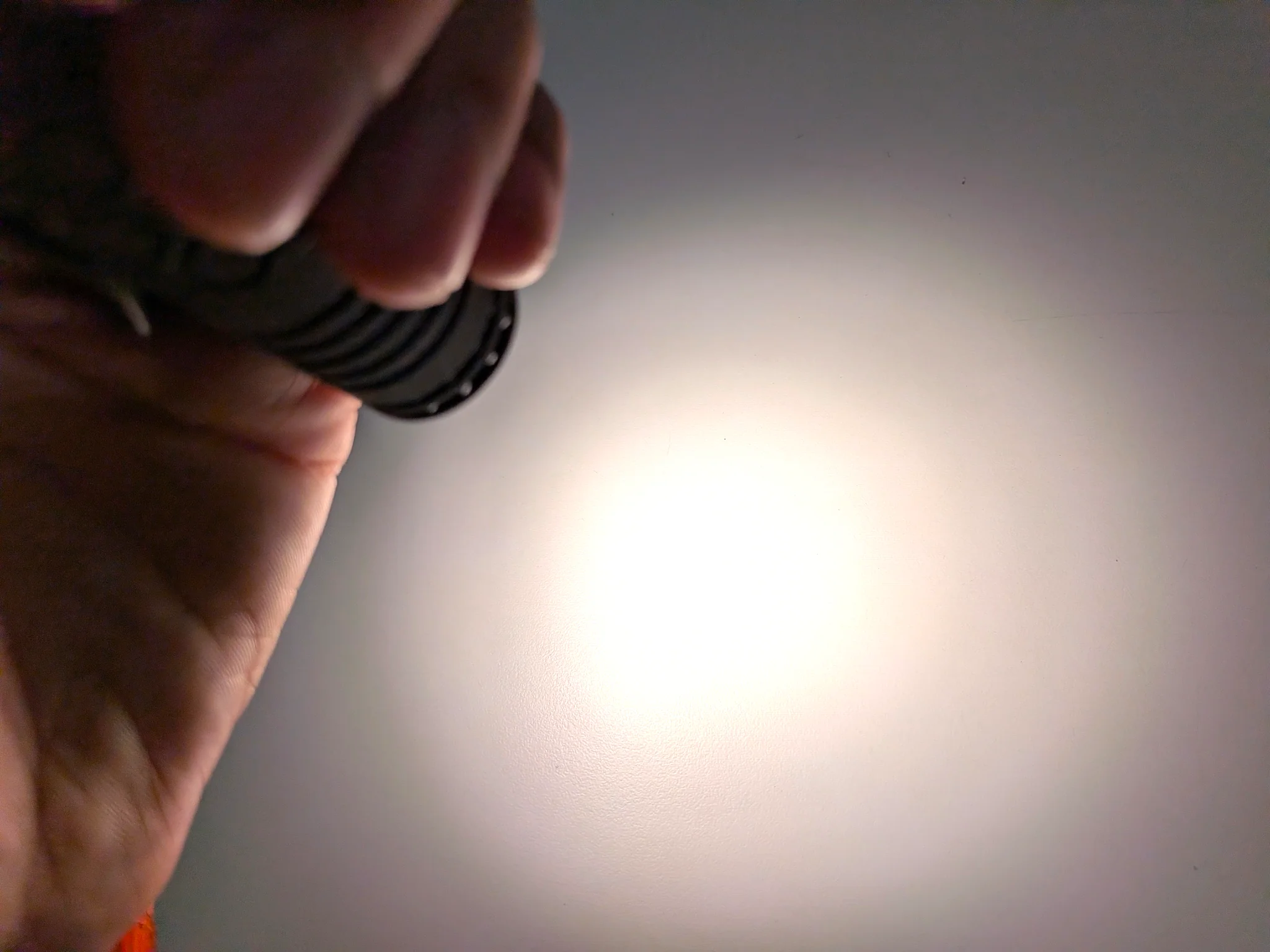
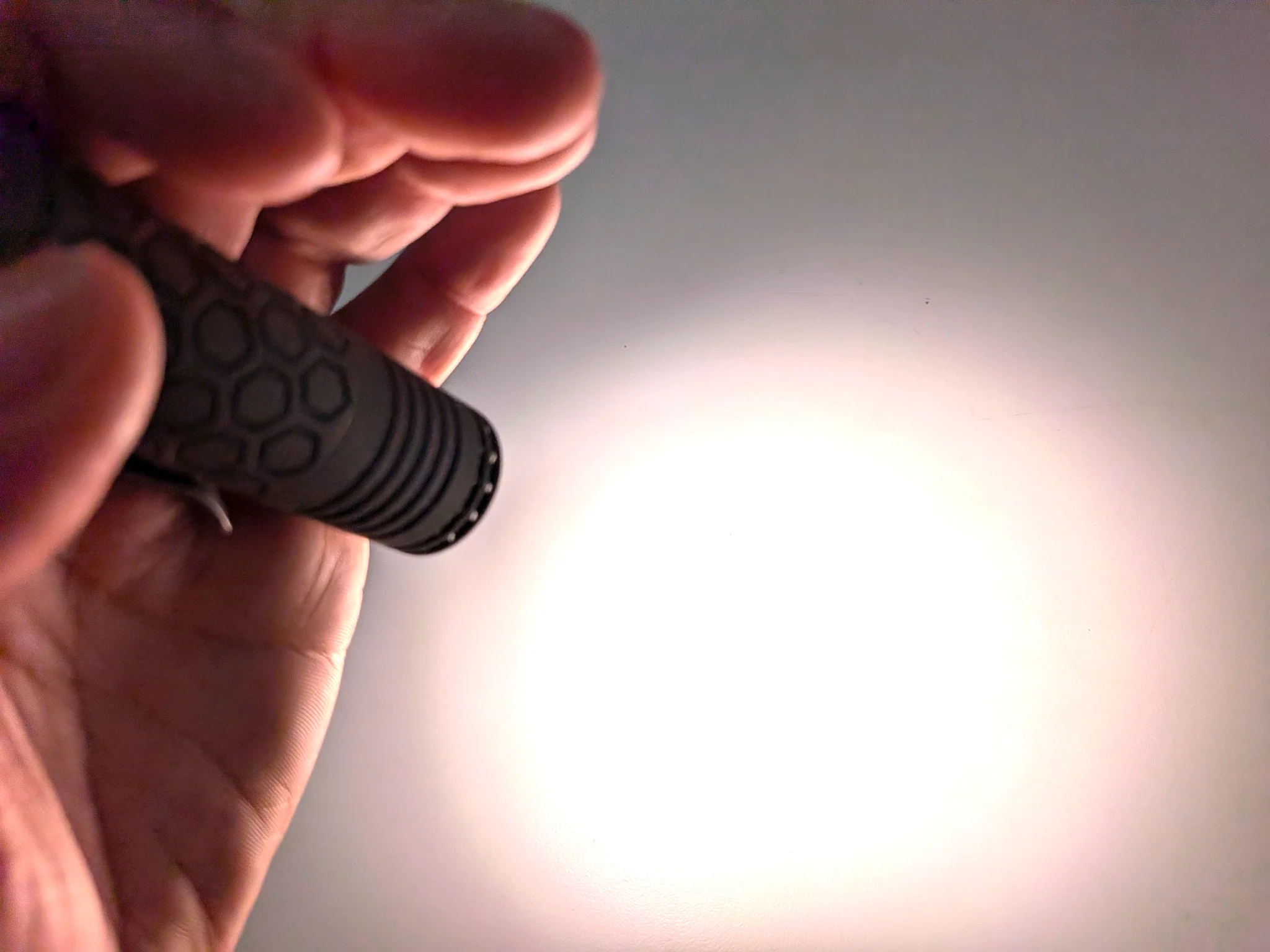
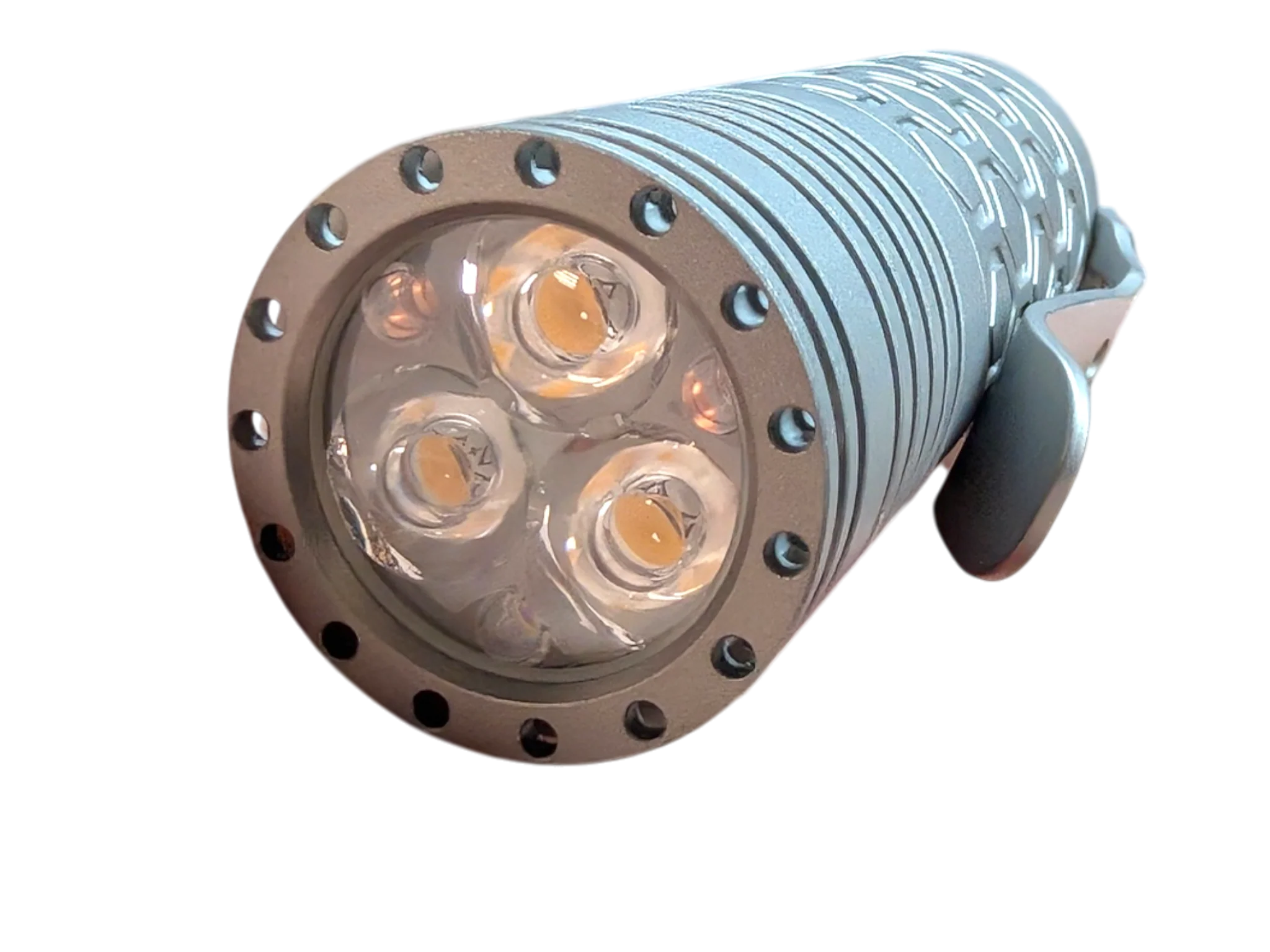
A pocket-sized powerhouse designed for ultimate versatility, the Reylight features a premium triple-Nichia 219B LED setup paired with a Carclo TIR optic. This combination delivers up to 2,000 lumens of beautifully tinted, ultra-wide flood light—perfect for short-range and up-close illumination.
Compact & Modular Design
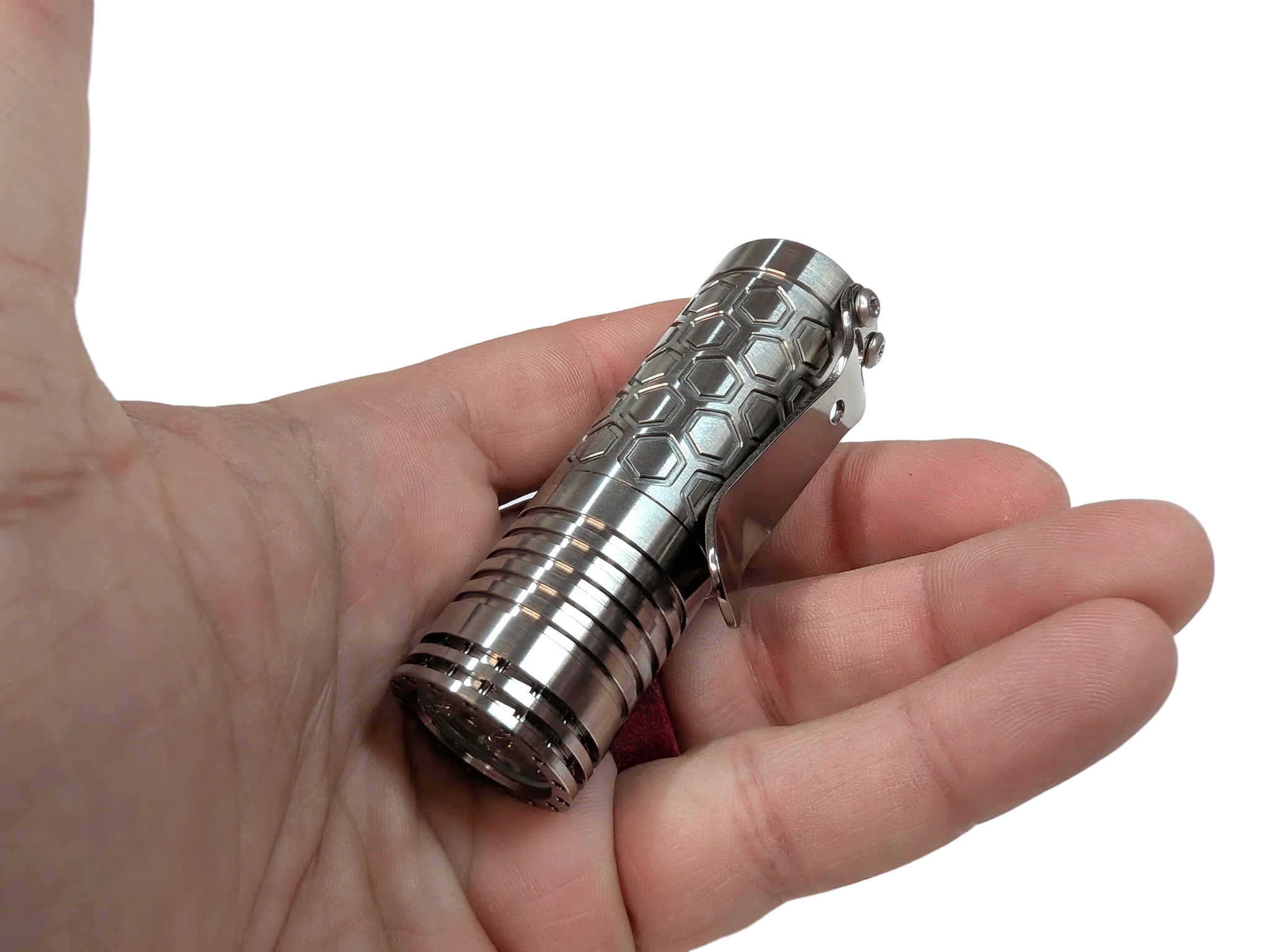
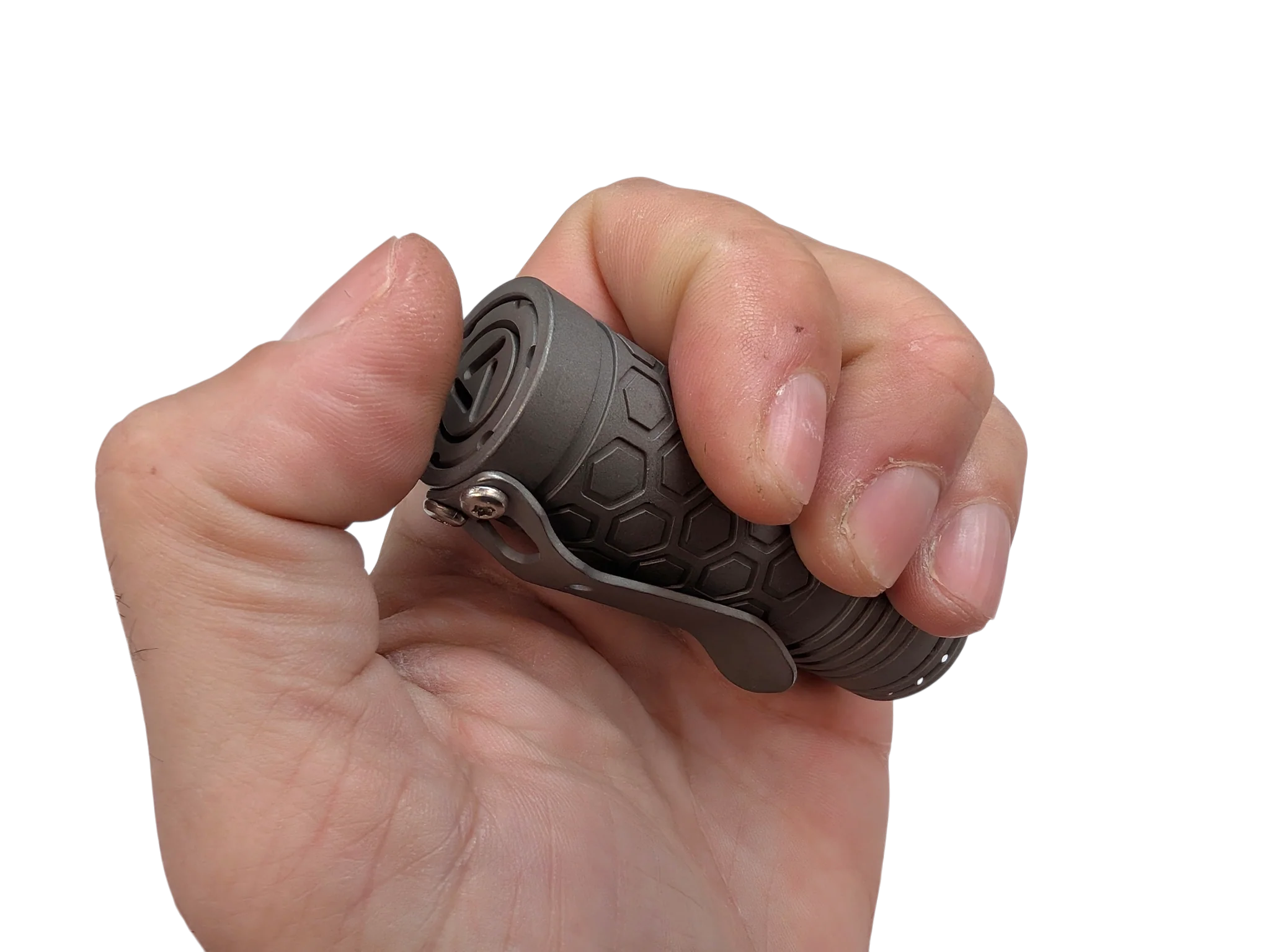
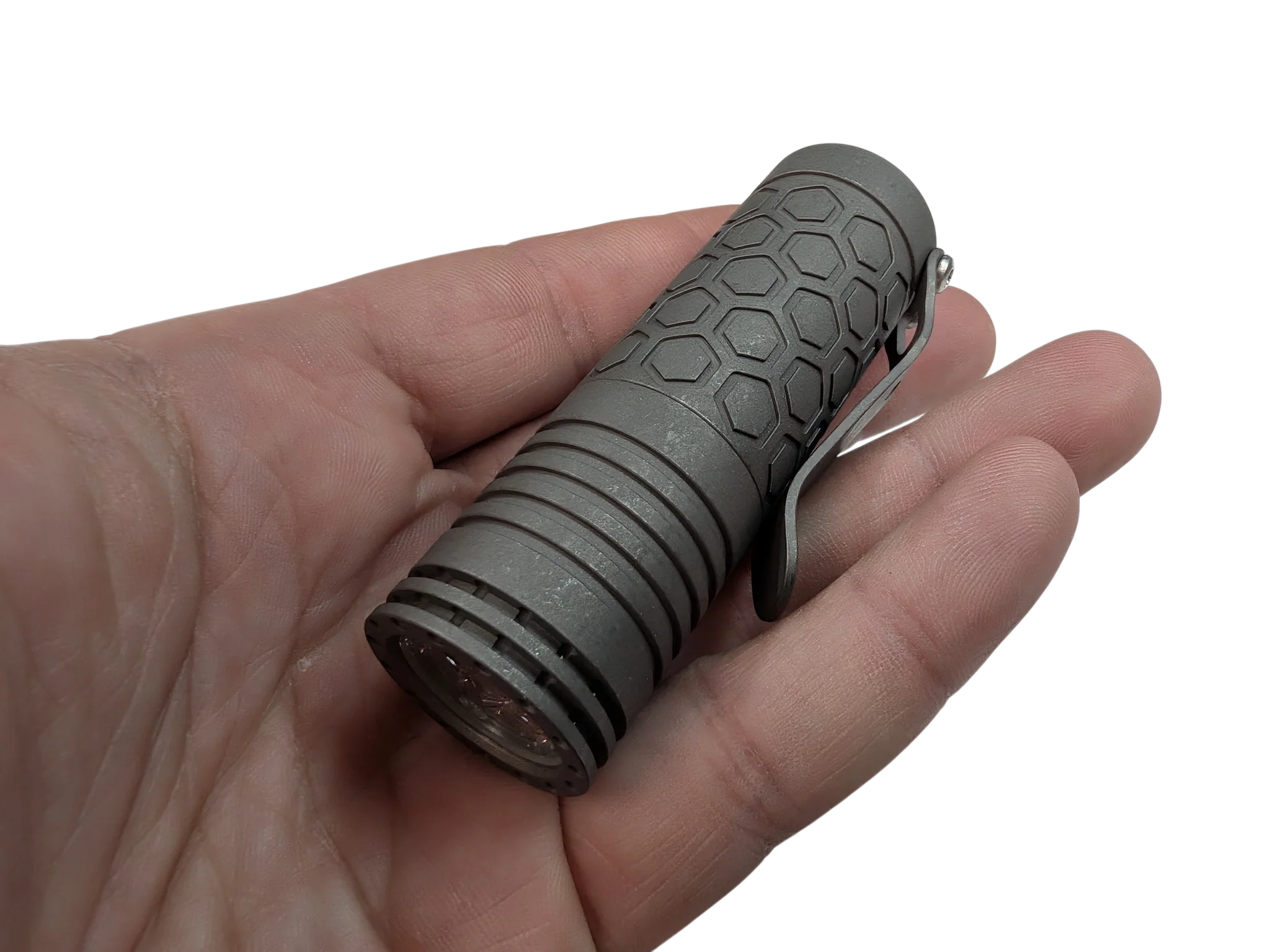
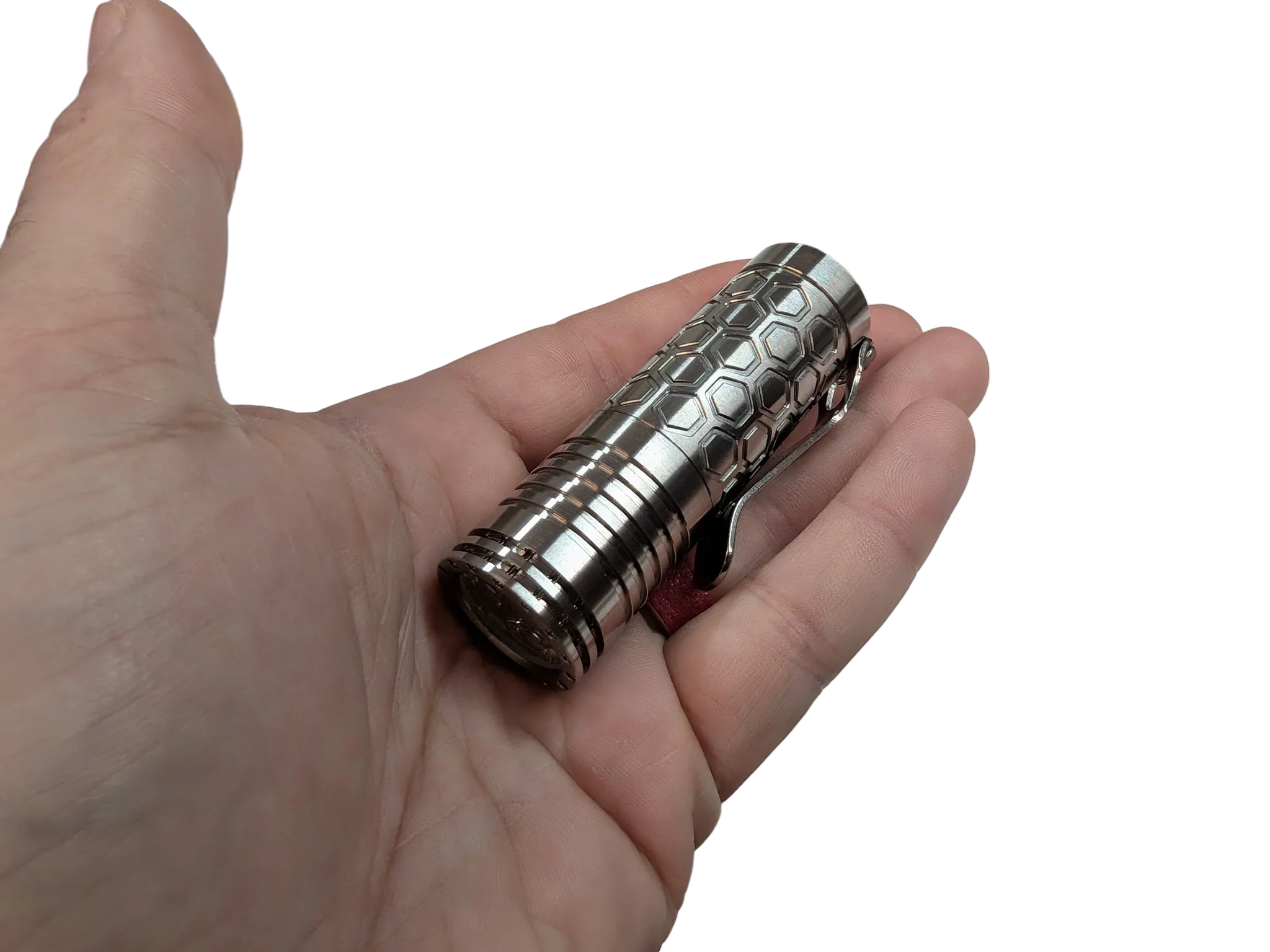
- Pocket to Full-Sized: Ships in an ultra-compact 18350 configuration (82 mm / 3.23 in, 154g / 5.43 oz with battery).
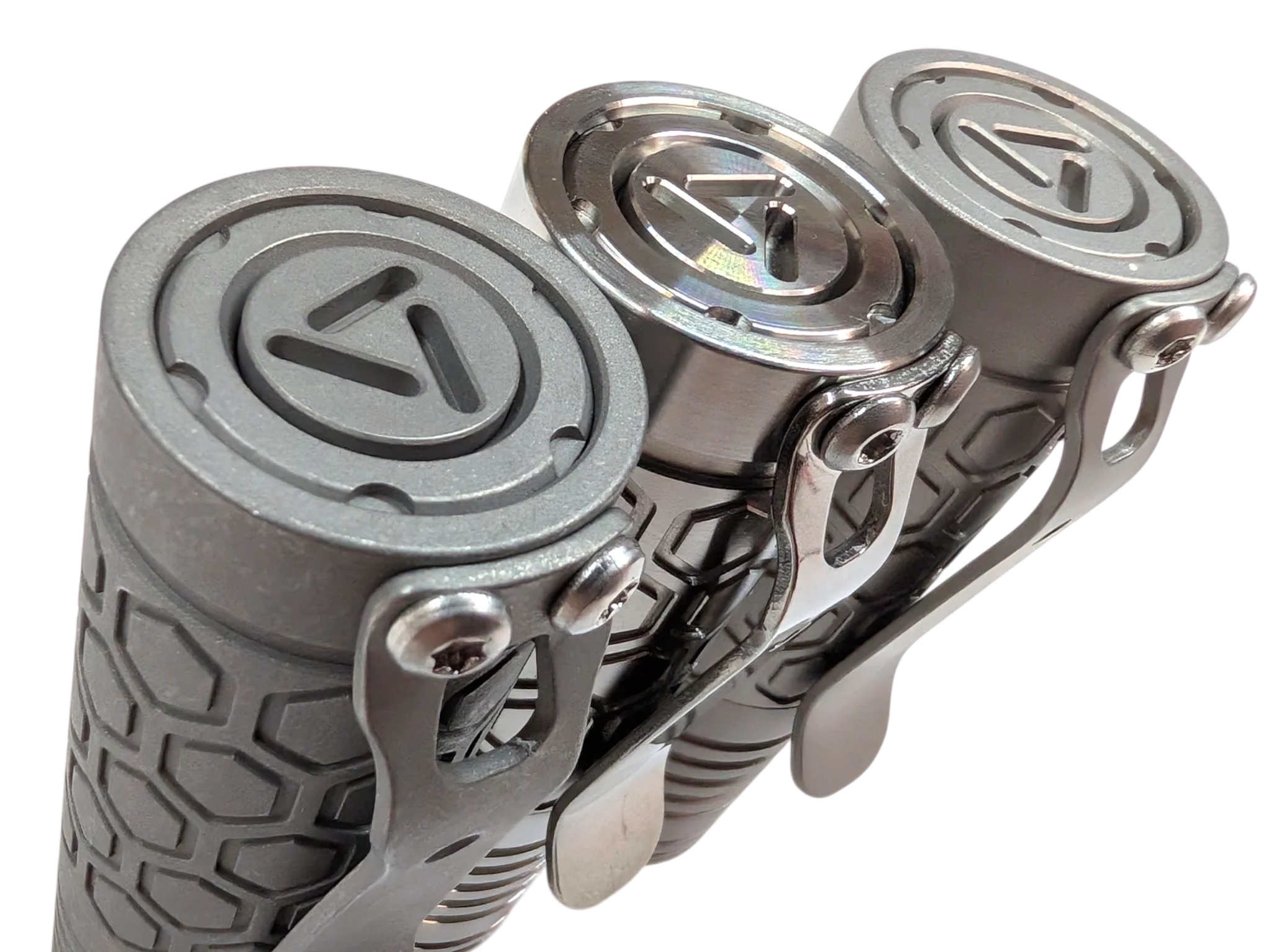
- Tough & Lightweight: Precision machined with a 25 mm / 0.98 in head diameter and a lightweight 128g (4.51 oz) bare weight.
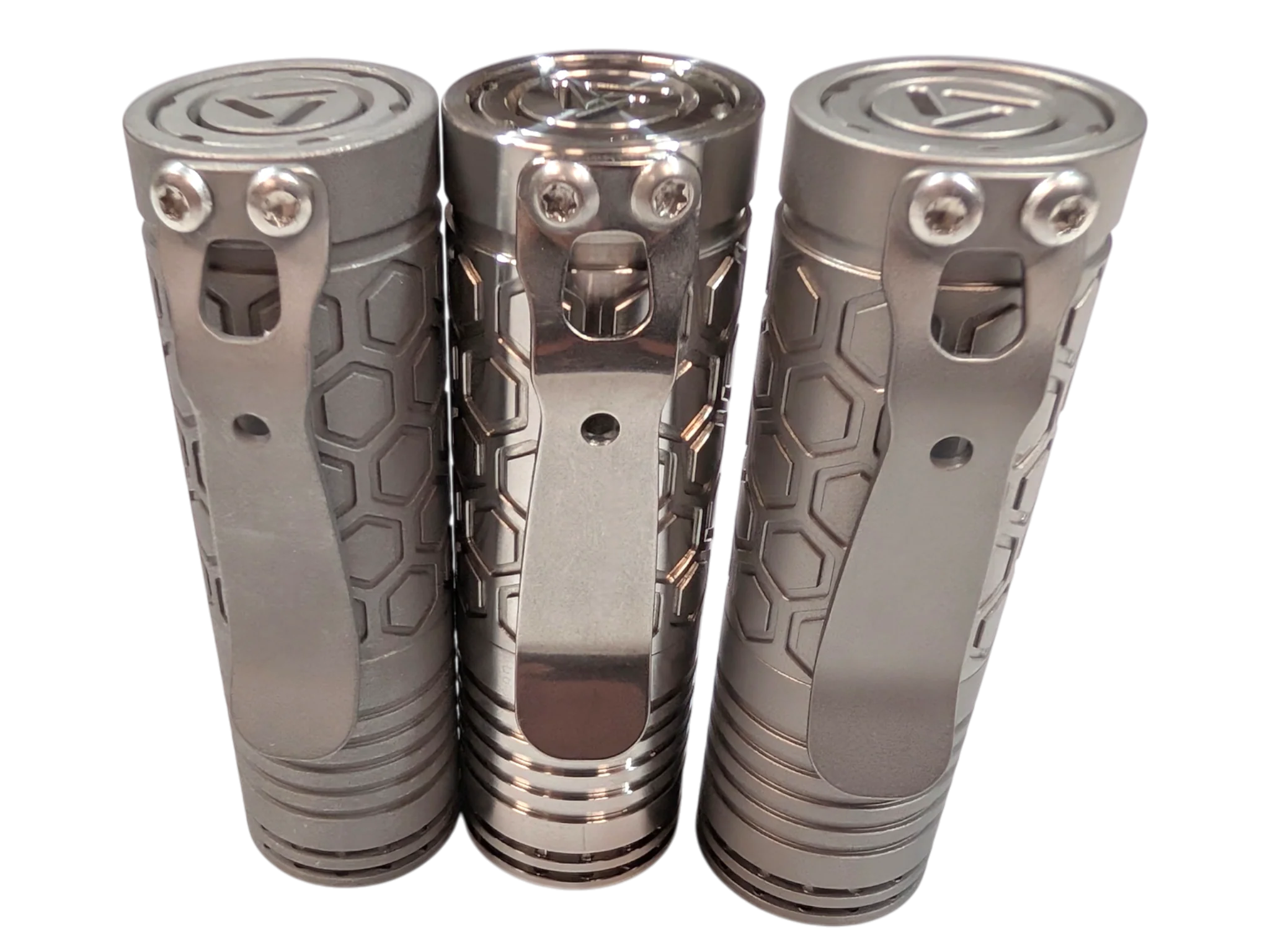
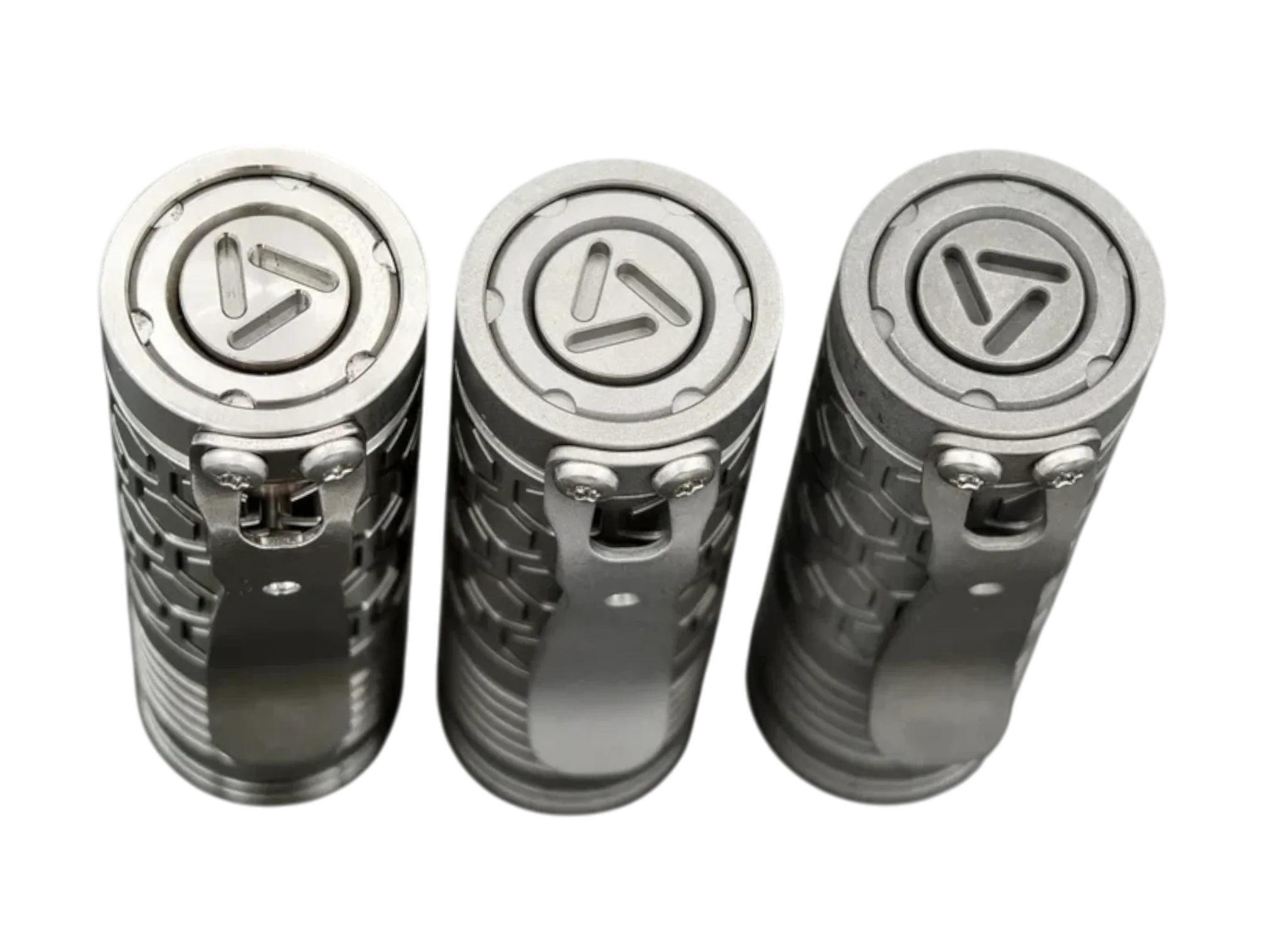
- Zero-Drain Lockout: Features a true mechanical tail switch that consumes zero standby energy, making physical lockouts unnecessary.
Performance & Power
-
Max Output: Blasts up to 2,000 lumens on Turbo using high-drain cells, gracefully tapering down after a 60-second safety timer to manage heat.
-
Low-Voltage Protection: Built-in safety driver automatically shuts the light off at 2.9V to protect your batteries.
-
Current Draw (Measured at Tail): Moon (0.08A) | Low (0.19A) | Medium (1.0A) | Turbo (4.6A).
Dual-Layer User Interface
The mechanical switch uses simple clicks for power and intuitive half-clicks to navigate modes. Includes Mode Memory(saves your last mode after 1 second of use) and zero noticeable PWM flicker.
Triple Nichia 519a-4000K LED
Group1: (Moonlight)-2%-20%-100% ( Default)
Group2: (ML)-10%-40%-100%
Group3: (ML)-2%-10%-50%
Group4: (ML)-50%-100%-strobe-SOS
Programming guide
- ToEnter Configuration Mode:
-From ON, half-click/tap the tail switch 8+ times until it starts to flash.
(When the configuration mode is entered, the light will start to blink once, then a quick flash, blink twice, then a quick flash, blink three times, then a quick flash, blink four times, then a quick flash, blink five times, then a quick flash. This sequence continues twice if a selection is not chosen)
*The number of blinks indicates the configuration option number to be changed.
* Half-click/tap the tail switch during any quick flashes following the blinks to select the configuration option.

-Here are the configuration options:
- Mode group selection
(After entering this menu, you can see it blink 4 times. The number of blinks indicates the number of mode groups)
The 1st blink --------- Group1: (Moonlight)-2%-20%-100%
The 2nd blink -------- Group2: (Moonlight)-10%-40%-100%
The 3rd blink -------- Group3: (Moonlight)-2%-10%-50%
The 4th blink -------- Group4: (Moonlight)-50%-100%-strobe-SOS
*Half-click/tap the tail switch during any blinks to select the mode group.
*After selecting the mode group, you can half-click/tap to select the brightness mode.
- Memory mode on-off toggle (default off)
To turn memory mode on, half-click/tap the tail switch during the quick flash after the second blink.
*To turn off the memory mode, reenter the configuration mode and repeat the instruction above.
- Moonlight mode off-on toggle (default on)
To turn the moonlight off, half-click/tap the tail switch during the quick flash after the third blink.
*Repeat to turn the moonlight on.
- Mode order toggle (default LMH)
To change the mode order from Low Medium High to High Medium Low, half-click/tap the tail switch during the quick flash after the fourth blink.
*Repeat to reverse the order.
For example, the default mode order of group 1 is (Moonlight)-2%-20%-100%, if you change the mode group to HML, the mode ORDER of group 1 will be (Moonlight)-100%-20%-2%
- Factory reset
Half-click/tap the tail switch during the quick flash after the fifth blink to reset all options to their original states.
Please check the programming demo 1 and demo 2.
Details & Craftsmanship
Every detail has been carefully considered to bring you the perfect product.
Details & Craftsmanship
Every detail has been carefully considered to bring you the perfect product.
Details & Craftsmanship
Every detail has been carefully considered to bring you the perfect product.
Details & Craftsmanship
Every detail has been carefully considered to bring you the perfect product.
Details & Craftsmanship
Every detail has been carefully considered to bring you the perfect product.
Details & Craftsmanship
Every detail has been carefully considered to bring you the perfect product.
Details & Craftsmanship
Every detail has been carefully considered to bring you the perfect product.
Details & Craftsmanship
Every detail has been carefully considered to bring you the perfect product.
Details & Craftsmanship
Every detail has been carefully considered to bring you the perfect product.
Details & Craftsmanship
Every detail has been carefully considered to bring you the perfect product.
Details & Craftsmanship
Every detail has been carefully considered to bring you the perfect product.
Details & Craftsmanship
Every detail has been carefully considered to bring you the perfect product.
Details & Craftsmanship
Every detail has been carefully considered to bring you the perfect product.
Details & Craftsmanship
Every detail has been carefully considered to bring you the perfect product.
Details & Craftsmanship
Every detail has been carefully considered to bring you the perfect product.
Details & Craftsmanship
Every detail has been carefully considered to bring you the perfect product.
Details & Craftsmanship
Every detail has been carefully considered to bring you the perfect product.
Description
( Raw, Beadblast & Stonewash Finish Variants )
519A Nichia - 4000K Color
Includes A 18350 Lithium Battery & 1A Quick Charger Too!
The Reylight Triple-LED Custom Flashlight
A pocket-sized powerhouse designed for ultimate versatility, the Reylight features a premium triple-Nichia 219B LED setup paired with a Carclo TIR optic. This combination delivers up to 2,000 lumens of beautifully tinted, ultra-wide flood light—perfect for short-range and up-close illumination.
Compact & Modular Design
- Pocket to Full-Sized: Ships in an ultra-compact 18350 configuration (82 mm / 3.23 in, 154g / 5.43 oz with battery).
- Tough & Lightweight: Precision machined with a 25 mm / 0.98 in head diameter and a lightweight 128g (4.51 oz) bare weight.
- Zero-Drain Lockout: Features a true mechanical tail switch that consumes zero standby energy, making physical lockouts unnecessary.
Performance & Power
-
Max Output: Blasts up to 2,000 lumens on Turbo using high-drain cells, gracefully tapering down after a 60-second safety timer to manage heat.
-
Low-Voltage Protection: Built-in safety driver automatically shuts the light off at 2.9V to protect your batteries.
-
Current Draw (Measured at Tail): Moon (0.08A) | Low (0.19A) | Medium (1.0A) | Turbo (4.6A).
Dual-Layer User Interface
The mechanical switch uses simple clicks for power and intuitive half-clicks to navigate modes. Includes Mode Memory(saves your last mode after 1 second of use) and zero noticeable PWM flicker.
Triple Nichia 519a-4000K LED
Group1: (Moonlight)-2%-20%-100% ( Default)
Group2: (ML)-10%-40%-100%
Group3: (ML)-2%-10%-50%
Group4: (ML)-50%-100%-strobe-SOS
Programming guide
- ToEnter Configuration Mode:
-From ON, half-click/tap the tail switch 8+ times until it starts to flash.
(When the configuration mode is entered, the light will start to blink once, then a quick flash, blink twice, then a quick flash, blink three times, then a quick flash, blink four times, then a quick flash, blink five times, then a quick flash. This sequence continues twice if a selection is not chosen)
*The number of blinks indicates the configuration option number to be changed.
* Half-click/tap the tail switch during any quick flashes following the blinks to select the configuration option.
-Here are the configuration options:
- Mode group selection
(After entering this menu, you can see it blink 4 times. The number of blinks indicates the number of mode groups)
The 1st blink --------- Group1: (Moonlight)-2%-20%-100%
The 2nd blink -------- Group2: (Moonlight)-10%-40%-100%
The 3rd blink -------- Group3: (Moonlight)-2%-10%-50%
The 4th blink -------- Group4: (Moonlight)-50%-100%-strobe-SOS
*Half-click/tap the tail switch during any blinks to select the mode group.
*After selecting the mode group, you can half-click/tap to select the brightness mode.
- Memory mode on-off toggle (default off)
To turn memory mode on, half-click/tap the tail switch during the quick flash after the second blink.
*To turn off the memory mode, reenter the configuration mode and repeat the instruction above.
- Moonlight mode off-on toggle (default on)
To turn the moonlight off, half-click/tap the tail switch during the quick flash after the third blink.
*Repeat to turn the moonlight on.
- Mode order toggle (default LMH)
To change the mode order from Low Medium High to High Medium Low, half-click/tap the tail switch during the quick flash after the fourth blink.
*Repeat to reverse the order.
For example, the default mode order of group 1 is (Moonlight)-2%-20%-100%, if you change the mode group to HML, the mode ORDER of group 1 will be (Moonlight)-100%-20%-2%
- Factory reset
Half-click/tap the tail switch during the quick flash after the fifth blink to reset all options to their original states.
Please check the programming demo 1 and demo 2.